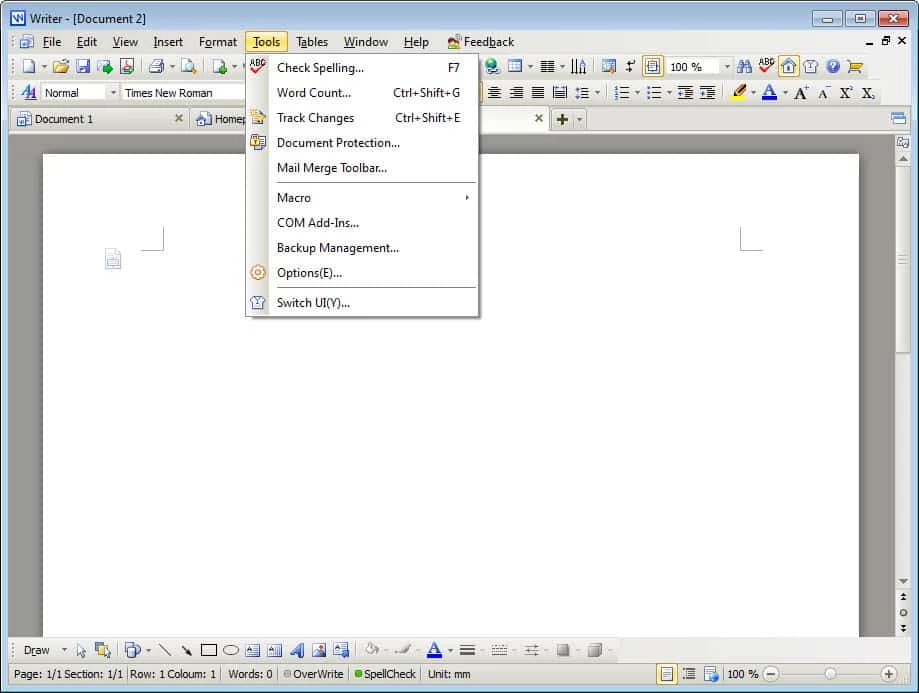
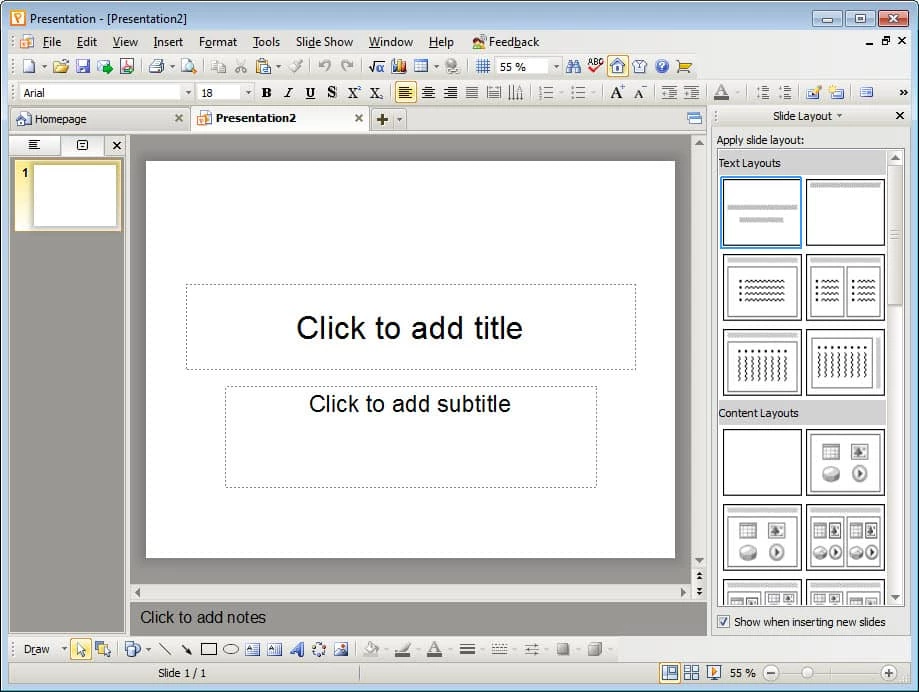
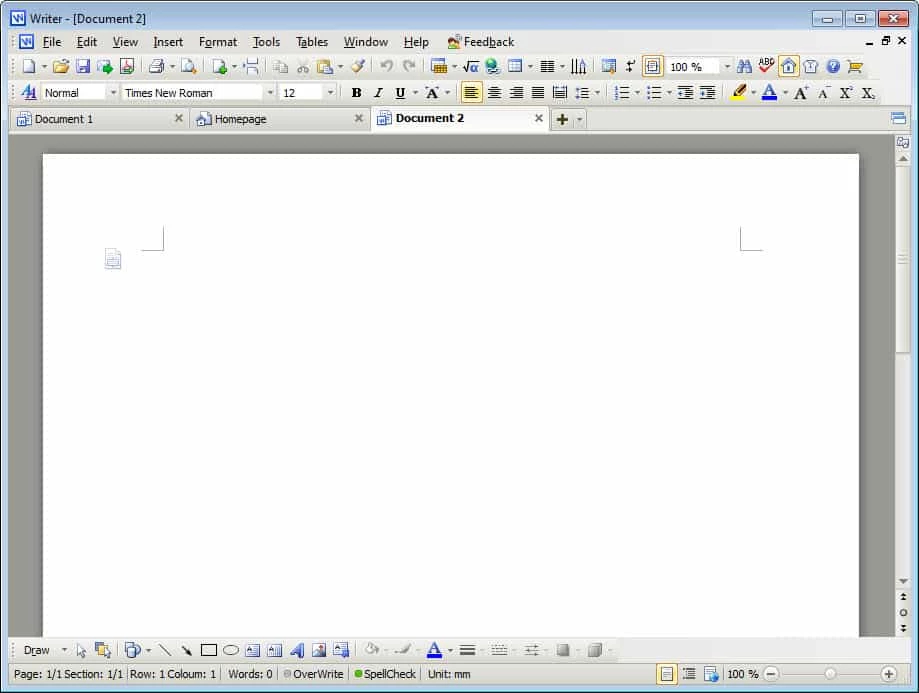
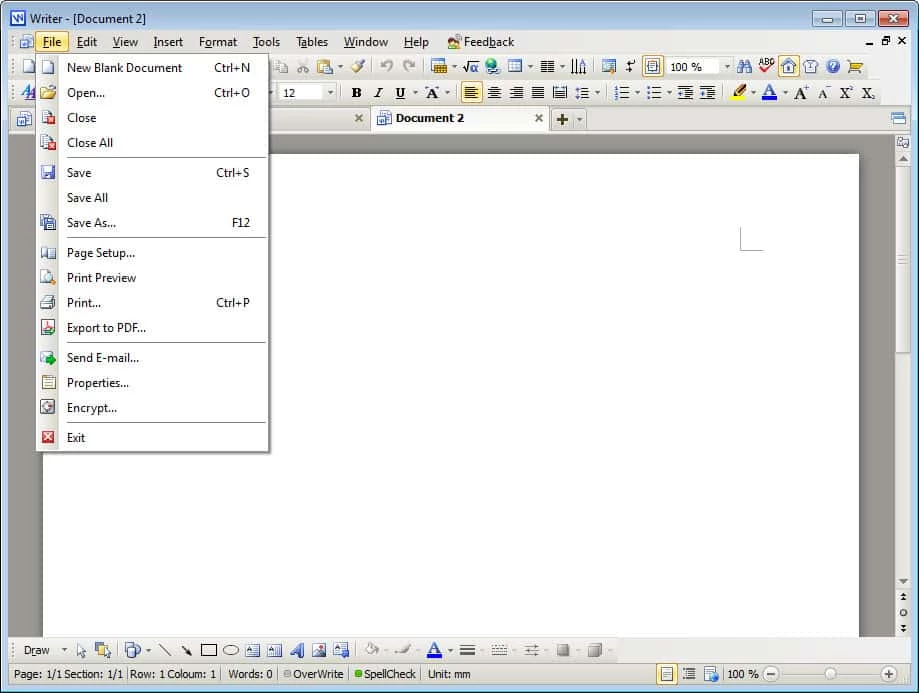
WPS Office 12.1.0.25863 is an office suite for Windows from the Chinese company Kingsoft, with tools for text documents, spreadsheets and presentations. You can download WPS Office for Windows free of charge from the official website wps.com; the suite is also available for Android, iOS, macOS, Linux and HarmonyOS.
About WPS Office
Kingsoft has been developing office software since 1989, and WPS Office is its answer to the big office suites. It combines a word processor, a spreadsheet editor and a presentation tool in one suite. For many people the main attraction is price: the basic suite can be used for free, and it opens and saves the file formats that colleagues and schools usually send. That makes it popular with students, freelancers and small offices that need to edit documents occasionally without paying for a subscription. WPS also works as a cloud service, so files can be synced between the PC and the mobile apps if you sign in. If you need advanced macros, complex database connections or strict compatibility with a company's templates, test your own files carefully before switching.
Key facts
| Item | Details |
|---|
| Version | 12.1.0.25863 |
| Developer | Kingsoft Office Software |
| Since | 1989 |
| Type | Office suite, also software as a service |
| Platforms | Windows, macOS, Linux, Android, iOS, HarmonyOS |
| Licence | Proprietary, free to use |
| Installer | about 5.1 MB (online installer) |
How to install it
- Open wps.com and download the Windows version.
- Run the installer, which fetches the rest of the suite, and read each screen.
- Choose whether WPS should open Office file types by default; you can keep your current suite as default.
- Sign in only if you want cloud sync between devices.
Privacy and safety
Cloud features mean your documents may be stored on the provider's servers. For contracts, medical records or other sensitive files, work locally without signing in, or check the privacy settings first. Download WPS only from wps.com; repackaged installers from other sites can carry adware. On Android, use the official Google Play listing.
Switching from another suite
Before moving everything to WPS, open a handful of your real files: a long report with a table of contents, a spreadsheet with formulas and charts, and a presentation with custom fonts. Compare how they look and save them back in the original format to see whether anything changes. Keep your previous suite installed for a few weeks, so you can fall back if an important document behaves differently. Set up automatic saving and choose a folder for backups in the settings.
Price
The basic suite can be used free of charge. Check the official site for the current terms of any extra features before you rely on them.
Pros and cons
- Pro: documents, spreadsheets and slides in one app.
- Pro: free for basic use.
- Pro: versions for many platforms.
- Con: cloud features raise privacy questions.
- Con: complex documents may need checking after conversion.
Alternatives
Our listings include LibreOffice, a free open-source suite, as well as Microsoft Word, Microsoft Excel and Microsoft PowerPoint.